Are you curious about the growing buzz around Linux for PC gaming? For years, the idea of ditching Windows for a Linux-based setup seemed like a distant dream for many serious gamers, often fraught with compatibility issues and performance headaches. However, thanks to groundbreaking advancements, especially from Valve with their Proton compatibility layer and the wildly successful Steam Deck, Linux has transformed from a niche curiosity into a genuinely compelling platform for playing a vast library of PC titles. This comprehensive article delves into the what, why, and how of modern Linux PC gaming, exploring everything from impressive performance gains and system stability to the vibrant open-source community driving its innovation. We will uncover how recent developments have made thousands of Windows-exclusive games playable on Linux, often with performance that rivals or even surpasses their native Windows counterparts. Prepare to discover a new frontier in PC gaming that offers more control, more customization, and a refreshingly different experience. Is it truly time to consider making the switch or at least giving it a serious try? This deep dive aims to answer all your pressing questions, offering practical insights and debunking common myths surrounding this evolving landscape, ultimately guiding you on whether Linux is indeed ready to power your next gaming adventure and elevate your experience.
Do you ever wonder if Linux PC gaming has finally come of age, truly ready to take on Windows as a primary platform for your favorite titles? For a long time, the notion of gaming on Linux was relegated to a niche group of enthusiasts, often associated with command-line tinkering and a limited selection of native games. However, the landscape of PC gaming has undergone a dramatic transformation, especially over the past few years, largely thanks to pivotal contributions from companies like Valve. Today, an increasing number of gamers are discovering that Linux offers a robust, stable, and surprisingly performant environment for enjoying a vast library of games, a development that was once considered unimaginable by many. This article will explore who is driving this change, what exactly has made it possible, when this shift truly began, where you can find games and support, why you might consider making the switch, and how you can get started with Linux PC gaming right now, empowering you to make an informed decision about your next gaming setup and perhaps even revolutionize your experience.
Is Linux PC Gaming Truly Viable Today? What Has Changed?
What exactly ushered in this new era of Linux PC gaming, turning a once-fringe concept into a legitimate contender? The most significant catalyst has undoubtedly been Valves introduction of Proton, a compatibility layer that allows users to run Windows-exclusive games directly through Steam on Linux. Released as part of Steam Play in 2018, Proton isnt just a simple emulator; its a sophisticated tool built upon Wine (Wine Is Not an Emulator), offering substantial performance improvements and broader compatibility than previous solutions. This ingenious piece of software acts as a bridge, translating DirectX and other Windows-specific APIs into Vulkan, a modern, open-source graphics API that performs exceptionally well on Linux. Suddenly, countless games that were once confined to Windows became playable, often out-of-the-box, on various Linux distributions. This shift wasnt just about making games run; it was about making them run *well*, sometimes even achieving performance parity or slight advantages over their Windows counterparts in specific scenarios, creating a compelling argument for gamers seeking alternatives and greater control over their operating systems. The ongoing development of Proton, driven by Valve and the open-source community, ensures continuous improvements, expanding compatibility, and ironing out bugs, making it a dynamic and ever-improving solution that truly redefines whats possible with Linux PC gaming.
Why Should You Consider Linux for Your Gaming PC? What Are the Benefits?
Why would a gamer, accustomed to the familiar comfort of Windows, even contemplate making the switch to Linux for their gaming PC? The reasons are more compelling than ever before, extending beyond mere novelty to genuinely practical advantages. First and foremost is the incredible level of control and customization Linux offers. Unlike proprietary operating systems, Linux gives you the keys to the kingdom, allowing you to tweak almost every aspect of your system, from the desktop environment to the kernel itself, ensuring your machine is optimized precisely for your gaming needs and personal preferences. This level of autonomy can translate into a leaner, more efficient system that dedicates more resources to your games rather than background processes. Furthermore, many enthusiasts appreciate the enhanced privacy and security aspects of Linux, as it tends to be less prone to malware and offers greater transparency in how your data is handled. The open-source nature means the code is auditable by anyone, fostering a community-driven development model that is constantly improving and innovating. Finally, theres the philosophical appeal of supporting free and open-source software (FOSS), contributing to a more open digital ecosystem. Choosing Linux PC gaming isnt just about playing games; its about embracing a philosophy of freedom, control, and community support that can truly elevate your computing experience.
How Does Gaming on Linux PC Gaming Work? Understanding the Magic
How exactly does the magic happen when you launch a Windows game on your Linux PC, especially if youre exploring the world of Linux PC gaming for the first time? The core of this incredible compatibility lies primarily with Proton, which we touched upon earlier, and its foundation, Wine. When you click Play on a Windows-only game in Steam on a Linux system with Proton enabled, the process is quite fascinating. Proton intercepts the Windows API calls that the game makes, such as those for DirectX, and translates them into their Linux equivalents, often utilizing the high-performance Vulkan graphics API. This translation happens in real-time, allowing the game to run without needing to be fundamentally rewritten for Linux. Beyond just graphics, Proton also handles other crucial aspects like sound, input devices, and filesystem access, making the entire Windows environment feel native to the game. For games outside of Steam, or for more fine-tuned control, tools like Lutris act as powerful game managers, helping you configure Wine prefixes, install necessary dependencies, and optimize settings for a wide range of titles from various launchers like GOG, Epic Games Store, and Battle.net. This layered approach, where Proton and Wine provide the foundational compatibility, and tools like Lutris offer user-friendly interfaces and additional optimizations, demonstrates a sophisticated ecosystem that makes Linux PC gaming more accessible and powerful than ever before. Its a testament to the ingenuity of the open-source community and Valves commitment to expanding gaming horizons, making the previously impossible a smooth, everyday reality for countless enthusiasts seeking alternatives to traditional platforms.
Where Can You Find Games for Linux PC Gaming? Your Library Awaits
When youre ready to dive into Linux PC gaming, where exactly should you look to build your game library and discover new adventures? The good news is that access to games is surprisingly robust and ever-expanding, far beyond the limited native titles of yesteryear. Your first and foremost destination will likely be Steam, which is undeniably the central hub for modern Linux PC gaming. With Steam Play and Proton pre-integrated, launching thousands of Windows games is as simple as clicking Install on your Linux machine. Steam also offers a dedicated section for native Linux games, allowing you to easily filter and find titles specifically developed for the platform, ensuring optimal performance and compatibility from the get-go. Beyond Steam, other platforms and launchers contribute significantly to the Linux gaming ecosystem. Lutris, as mentioned, is a fantastic open-source game manager that helps you install and manage games from various sources, including GOG, the Epic Games Store, Battle.net, and even emulators, streamlining the process of getting non-Steam games running smoothly. Additionally, services like GOG.com often provide native Linux installers for many of their classic and indie titles, upholding a DRM-free philosophy that resonates well with the open-source community. Furthermore, projects like itch.io and various independent developer websites frequently offer Linux builds, especially for indie games, showcasing the vibrant and diverse landscape of creativity thriving on the platform. So, whether youre a fan of AAA blockbusters or charming indie gems, the world of Linux PC gaming now offers a treasure trove of options, making it easier than ever to expand your gaming horizons and find your next obsession. Its truly an exciting time to be a gamer exploring this evolving frontier, with more choices and avenues for play than ever before.
Addressing Common Questions About Linux PC Gaming
What are the biggest challenges facing Linux PC gaming and how are they being overcome?
While Linux PC gaming has made incredible strides, its fair to ask about the hurdles that still remain and how the community and developers are tackling them head-on. One of the primary challenges has historically been anti-cheat compatibility. Many popular multiplayer games rely on kernel-level anti-cheat systems that are often designed exclusively for Windows, causing issues or outright preventing games from running on Linux. However, this is an area where significant progress is being made; developers of anti-cheat software are increasingly enabling Proton support, and game studios are starting to actively support Linux users. Another challenge can be driver support for very new hardware, though this is less common now, as AMDs open-source drivers are excellent, and NVIDIAs proprietary drivers are generally very stable on Linux. The fragmentation of Linux distributions can also be seen as a minor challenge, as different distros might require slightly different setup steps or package management, though tools like Flatpak and AppImage are helping to standardize application deployment. The communitys collaborative spirit is key to overcoming these; forums, wikis, and active subreddits dedicated to Linux gaming provide invaluable support, troubleshooting guides, and real-time updates on game compatibility. This collective effort ensures that new issues are quickly identified, shared, and often resolved, demonstrating the power of open collaboration in continually refining the Linux PC gaming experience and making it more robust for everyone involved.
How does game compatibility on Linux PC gaming stack up against Windows?
When considering Linux PC gaming, a natural question arises: how does its game compatibility truly compare to the gold standard set by Windows? For many years, Windows held an undeniable monopoly on game availability, with virtually every major title launching exclusively on Microsofts platform. Today, thanks primarily to Proton, the gap has dramatically narrowed, to the point where thousands upon thousands of Windows-exclusive games are now fully playable on Linux. The Steam Deck, which runs a custom Linux distribution, serves as a powerful testament to this compatibility, as it can run the vast majority of games in Steams library with excellent performance. While its true that not *every single* game runs flawlessly out-of-the-box on Linux – some niche titles, specific older games, or those with particularly aggressive anti-cheat might still pose challenges – the percentage of playable titles is incredibly high and continues to grow daily. Websites like ProtonDB.com offer a community-driven database where users report on game compatibility, performance, and necessary tweaks for thousands of titles, providing an invaluable resource for assessing what works and what doesnt. This transparency and community feedback mean that while Windows might still have a marginal edge in absolute numbers and guaranteed compatibility for every single title, Linux PC gaming now offers a robust and comprehensive library that satisfies the vast majority of gamers, often delivering an experience that feels indistinguishable from, or even superior to, its Windows counterpart in terms of stability and control.
Why is the Steam Deck a game-changer for Linux PC gaming, and what does it mean for the future?
Why has the Steam Deck, Valves innovative handheld gaming PC, been hailed as an absolute game-changer for Linux PC gaming, and what profound implications does its success hold for the future of the platform? The Steam Deck isnt just a portable console; its a powerful Linux-powered computer running SteamOS, a custom Arch Linux distribution, specifically designed to run Windows games seamlessly via Proton. Its massive success has profoundly impacted the Linux gaming ecosystem in several critical ways. Firstly, it forced game developers and anti-cheat providers to take Linux compatibility seriously, as millions of Steam Deck users demand their games work on the device. This led to a significant increase in anti-cheat support for Proton, directly benefiting all Linux PC gamers, not just those with a Steam Deck. Secondly, it provided a tangible, widely adopted example of just how good Linux PC gaming can be, showcasing its performance, stability, and ease of use to a mainstream audience. Previously, Linux gaming was often seen as a DIY project; now, its a polished, out-of-the-box experience. Lastly, Valves continued investment in SteamOS and Proton for the Steam Deck means consistent, high-quality development and optimizations that directly filter down to desktop Linux distributions. The Steam Deck proved that Linux can be a premium gaming platform, driving further innovation and signaling to the industry that Linux PC gaming is not just a niche but a legitimate and growing market. This momentum suggests a future where Linux is increasingly seen as a viable and perhaps even preferred gaming OS, with broader support and a richer game library than ever before, truly revolutionizing perceptions and possibilities within the gaming world.
Summary of Key Points for Linux PC Gaming:
- Proton, developed by Valve, is the primary driver for Windows game compatibility on Linux.
- The Steam Decks success has significantly boosted anti-cheat support and mainstream awareness for Linux gaming.
- Linux offers superior control, customization, and often comparable or better performance than Windows.
- Gaming libraries are extensive, primarily through Steam, Lutris, and other platforms supporting native or Proton-enabled titles.
- Community support and resources like ProtonDB are vital for troubleshooting and compatibility information.
- Challenges like anti-cheat are being actively addressed by developers and the community.
- Choosing Linux PC gaming means embracing an open-source, customizable, and increasingly robust platform.
| Aspect | Linux PC Gaming (Current State) | Traditional Windows Gaming |
|---|---|---|
| Game Compatibility | Thousands of Windows games via Proton; growing native support. | Vast library, but tied to proprietary OS. |
| Performance | Often comparable or superior to Windows, especially with Vulkan. | Generally strong, but can be resource-heavy due to OS overhead. |
| Customization & Control | High degree of system and software control, open-source. | Limited control over OS, proprietary nature. |
| Stability & Security | Generally very stable, less prone to malware, high privacy. | Can be prone to updates, malware, and privacy concerns. |
| Community Support | Vibrant, active, and highly collaborative. | Official support channels, forums. |
| Hardware Support | Excellent for AMD; good for NVIDIA (proprietary drivers). | Broadest hardware support, but drivers can be less transparent. |
| Cost | Free and open-source operating system. | Paid operating system license. |
So, as we wrap up our chat on the exciting world of Linux PC gaming, its clear the landscape has changed dramatically. Its no longer just for the tech-savvy few; its a vibrant, evolving ecosystem offering real benefits to curious gamers like you. With tools like Proton and the sheer influence of the Steam Deck, playing your favorite Windows titles on Linux is not just possible, but often a genuinely fantastic experience. You gain unparalleled control, a stable environment, and become part of a passionate community always pushing the boundaries. Why not take the leap? Its a journey into a more open, customizable, and empowering way to game. Your gaming rig, powered by Linux, might just surprise you with its capabilities and open up a whole new world of fun. Give it a try; youve got nothing to lose and a whole lot of gaming freedom to gain!
Keywords: Linux gaming, PC gaming, Proton, Steam Deck, gaming on Linux, open-source gaming, Linux performance, Steam Play, Lutris, gaming freedom, Linux compatibility, gaming hardware, FOSS gaming.
Linux PC gaming has matured significantly, largely due to Valves Proton compatibility layer and the Steam Deck. Gamers can now enjoy thousands of Windows-exclusive titles on Linux with competitive performance. Key benefits include system control, customization options, and strong community support. Performance often matches or exceeds Windows, offering a viable alternative for many. The open-source nature fosters continuous innovation and transparency, appealing to tech-savvy users.
34
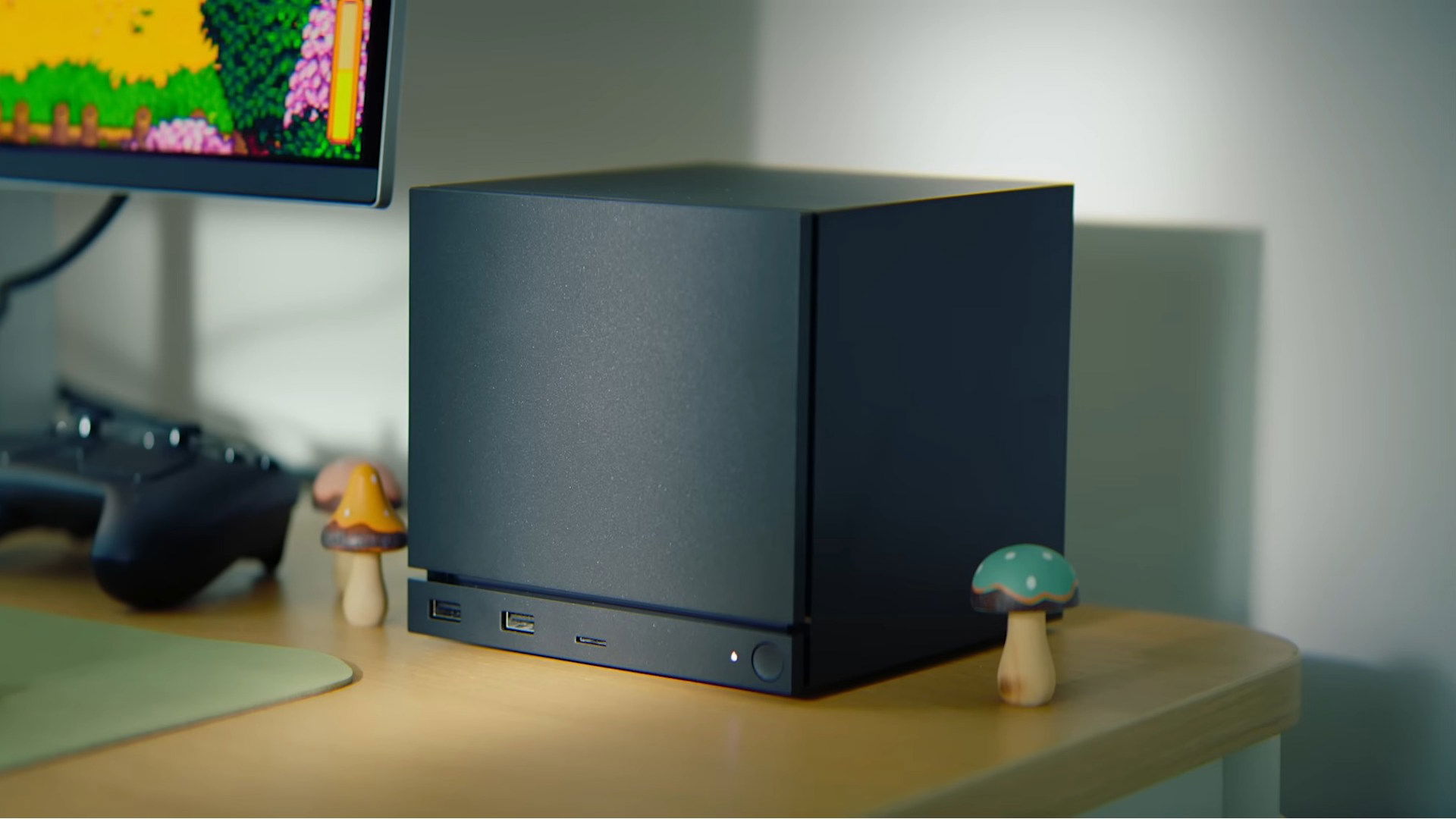



Gaming The Ultimate Linux Gaming Platform DALL.E 2024 10 11 01.30.57 A Modern And Sleek Gaming Setup Featuring Linux Based Gaming Elements. The Image Showcases A High Performance Gaming PC With Vibrant RGB Lighting A C.webp. Linux PC Gaming Is On The Rise While Windows Trips Over Itself The Steam Machine 2026 Image 01 . Linux Tiene Un As Bajo La Manga Y 2026 Ser El A O En El Que Despegar 840 560 . How To Enable NVIDIA Coolbits On Ubuntu 24 04 Via Terminal LinuxShout Best Linux Distro For Gaming 2025. How To Build A Linux Gaming PC PC Gamer 320 80
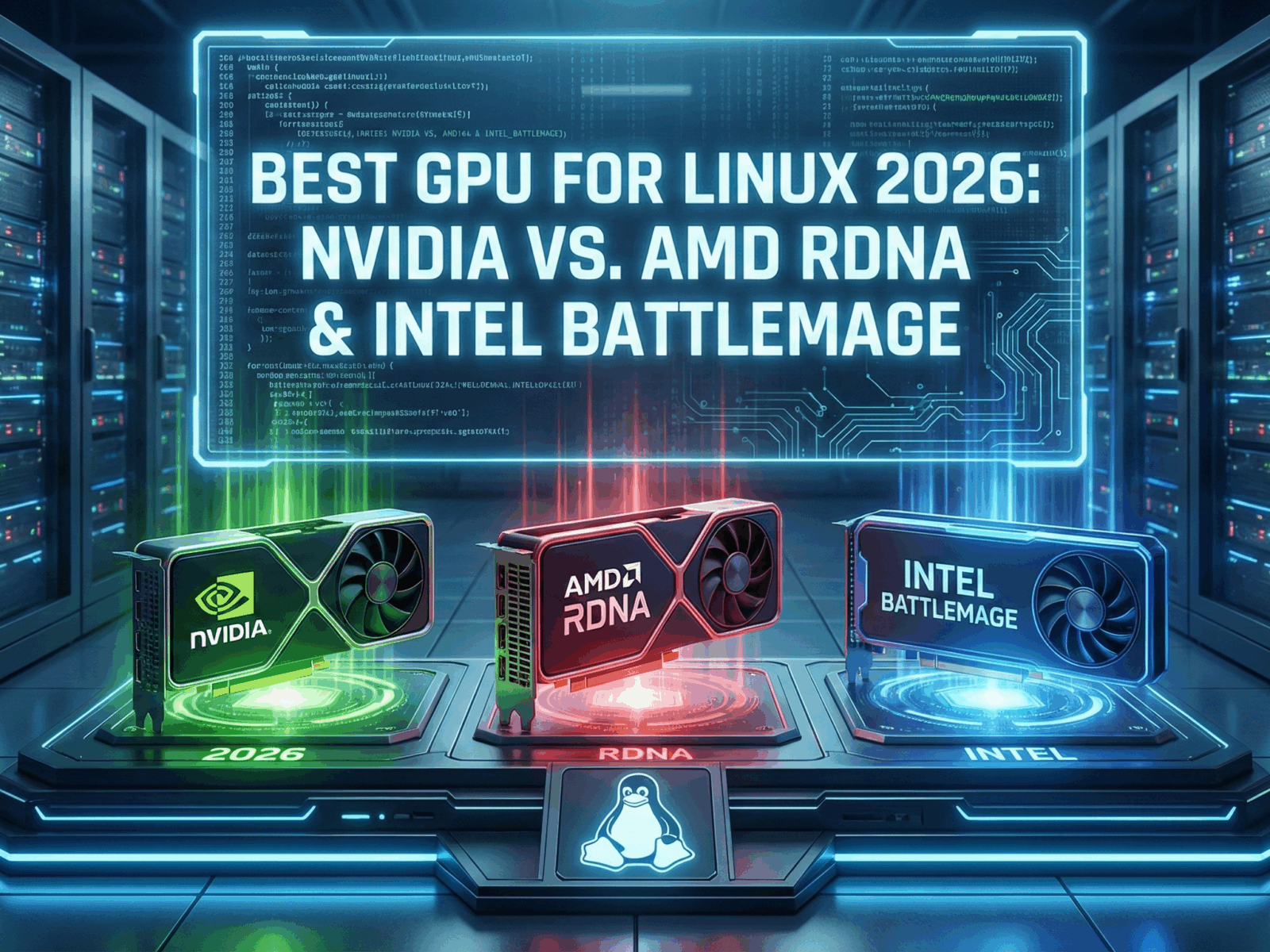

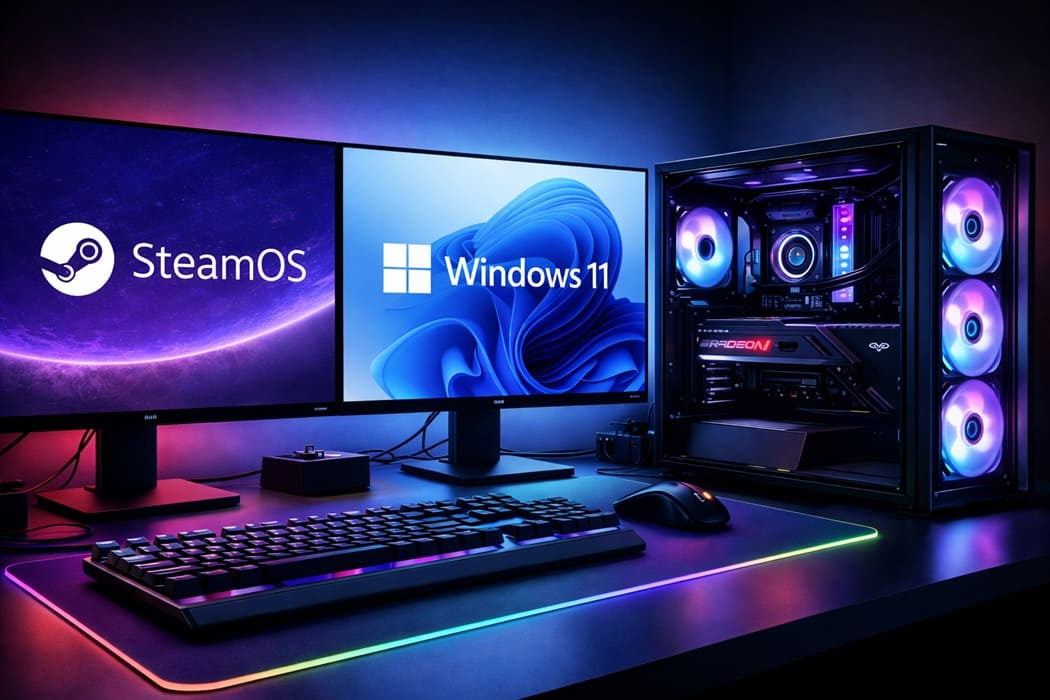

Intel Arc Iris Xe Linux Driver Guide IGPU Discrete Best GPU For Linux 2026 Nvidia Vs. AMD RDNA Intel Battlemage 1600x1200 . Guide Xbox Game Pass In 2026 The Full List Of Everything Announced So Far Large . SteamOS Y Windows 11 Se Reparten El Rendimiento En Un PC Gaming AMD PC Gaming Linux Vs Windows 11 Portada 1 . AMD Chinese Firm Develop 1000Hz Gaming Monitor 2026 Release World . TOP 40 BIGGEST NEW Games Coming In 2026 With Crazy NEXT GEN 4K Graphics


Mini ITX Gaming PC Build 2026 Compact Yet Powerful Setup Mini ITX Gaming PC Build 2026.webp. Linux Gaming Gains Momentum In 2025 Amid Performance And . Top 5 Best Linux Distros For GAMING In 2024 YouTube . Top 10 Most Anticipated Games Of 2026 What To Watch Out For GAMES IN 2026 . Build An Awesome Low Cost Linux Gaming Machine And More


AMD Launches Next Gen Upscaling With FSR Redstone Windows Central . How Linux Took Over The World Without Anyone Noticing A Gaming Pc With Garuda Linux On The Screen And Tux Mascot With A Controller Next To It . Best Linux Distros For Gaming 2024 Unixmen Best Linux Distros For Gaming 2024 1 . How I Built My New Linux Gaming Desktop In 2021 With Amd Cpugpu And Gnu First Boot . 7 Websites To Learn Linux The Fun Way 52864484167 E16d083dee O



Gaming On Linux Is Better Than Ever But It S Still Bad Framework Linux Amd Laptop Hyprland Arch Linux Btop . Top 5 Best Gaming Linux Distro For Old Pc And Laptops 2024 YouTube . Buy Call Of Duty 2026 PC Call Of Duty 2026 Pc Game Cover . Top 10 Best Linux Firewalls 2024 Verloop Io Best Linux For Gaming 1 . Linux Breaks 3 PC Desktop Market Share After 30 Years TechPowerUp


Fullscreen Vs Borderless Windowed Which Is Better For Gaming Tux The Linux Mascot With A Gamepad On The Right Side And Some Screens In The Background . The Best Linux Distros For Gaming Max Performance Appuals Image 2024 03 17 001912593 . My Linux Work Gaming Setup Slowly Becoming What I Envisioned R . The Best Linux Games 35 Killer PC Games For Linux PCWorld Linux Gaming Pc 100709628 Orig . The Best Looking Linux Desktop I Ve Seen So Far In 2025 And It S Not Linux Broadwing




SteamOS Vs Windows 11 En PC De Gama Alta Qui N Manda En El Gaming 4K Botonlinux 11zon.webp. Proof That You Can Use A Gaming PC With Linux R Proof That You Can Use A Gaming Pc With Linux V0 . When Is DDR6 RAM Coming Out 5 Minipcs . What Is The Best Linux For Gaming Best Linux For Gaming 2 1024x576